
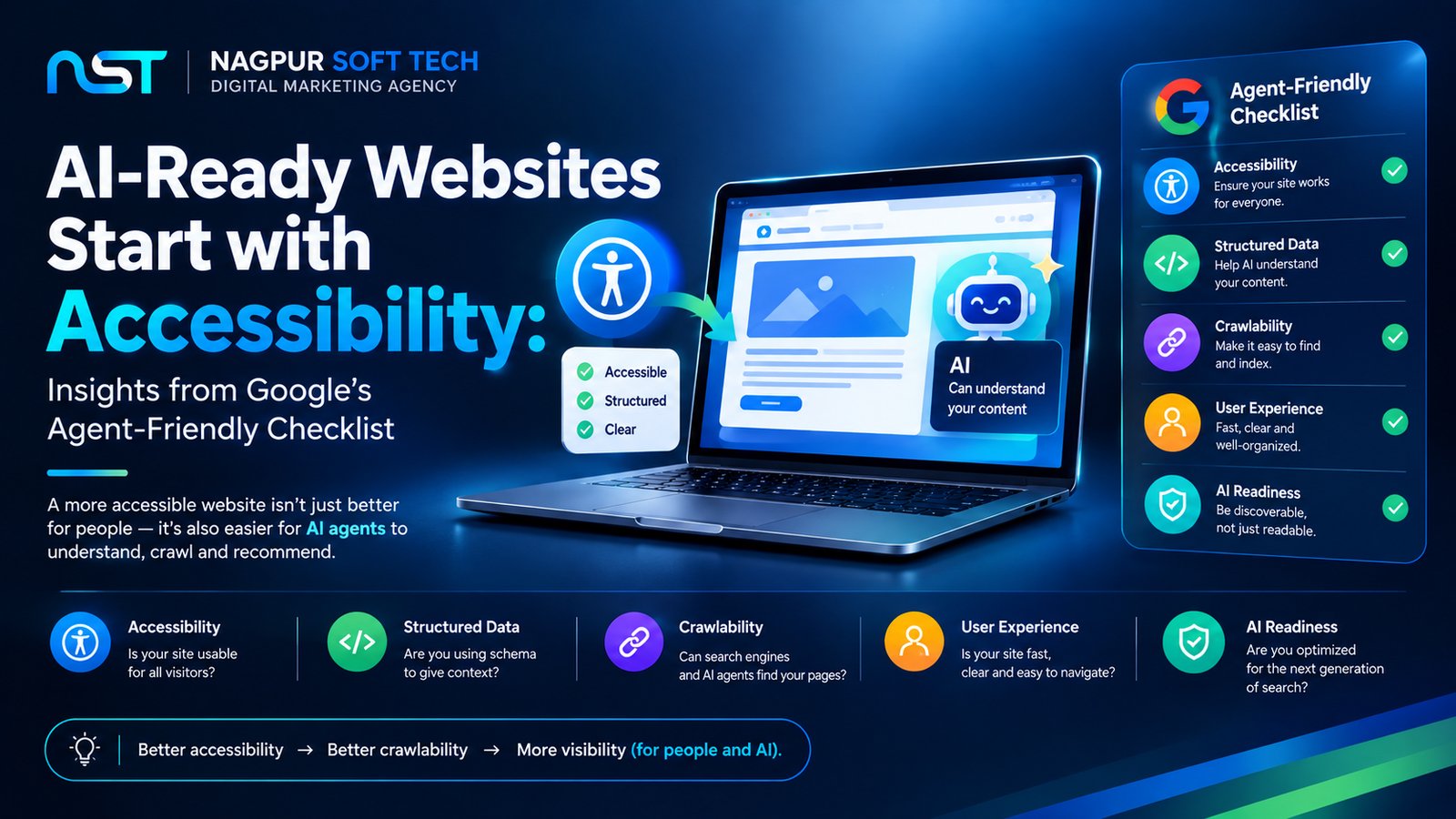
Why Is Google Suddenly Talking About "Agents" on Websites?
Your website’s traffic no longer comes only from human visitors and search crawlers. Increasingly, it includes AI agents ChatGPT, Gemini, and browser-based assistants visiting your site to complete a task on someone’s behalf: checking if a product is in stock, filling a booking form, or comparing prices before recommending an option to the person who asked. Google published a 7-point checklist on web.dev to help site owners prepare for exactly this shift.
The Surprising Part: It's Not a New Set of Rules
Read through Google’s checklist and the pattern is unmistakable every recommendation is something the accessibility community has pushed for years. Use real <button> and <a> tags instead of a styled <div>. Label your form fields properly. Keep heading structure logical from H1 down to H6. Make sure interactive elements have a visible cursor state. None of this is new advice it’s WCAG accessibility guidance, now framed for a new kind of visitor.
What Actually Breaks for an AI Agent
An AI agent doesn’t “see” your website the way a person does. It reads the accessibility tree a stripped-down map of your page’s roles, names, and states that browsers already generate for screen readers. If a button is really a <div onclick="...">, a screen reader user can’t tell it’s clickable, and neither can an agent. The same fix that makes a page usable for a visually impaired visitor is the fix that makes it usable for an AI agent trying to complete a checkout or a form submission on your site.
Why This Matters More Than It Might Seem
Recent research testing AI agents on real websites found a stark gap: agents completed tasks successfully far more often on accessible sites than on inaccessible ones. That’s not a minor SEO detail it’s the difference between your business showing up as a working option inside an AI-driven recommendation and getting silently skipped because the agent couldn’t navigate your page.
What Nagpur Businesses Should Check First
Most business websites in Nagpur were built years before “AI agent” was a consideration, which means a lot of them are quietly failing this checklist without anyone realizing it. A few starting points:
- Open Chrome DevTools → Accessibility tab and check your page’s accessibility tree for missing labels or roles
- Confirm buttons and links use real
<button>and<a>elements, not styled<div>s - Check that every form field has a proper label, not just placeholder text
- Make sure your heading hierarchy (H1 → H6) is logical and not skipped or reversed
If your site fails several of these, it’s not just an accessibility gap — it’s a visibility gap as AI-driven search and shopping keep growing. Our website development services in Nagpur are built with semantic HTML and proper accessibility structure from the ground up, so your site works for every kind of visitor — human, screen reader, or AI agent.
Where This Connects to AI Search Visibility
Agent-readiness and AI search visibility aren’t the same thing, but they reinforce each other. A well-structured, accessible site is also easier for AI systems to read and cite in generated answers the same clean HTML and clear content structure that helps an agent complete a task also helps your business get mentioned in an AI Overview or a ChatGPT response. If you haven’t looked at this side yet, our SEO services in Nagpur cover the AEO/GEO layer that sits on top of this technical foundation.
Final Thoughts
Google’s agent-friendly checklist isn’t asking businesses to build something new it’s asking them to finally fix what accessibility guidelines have recommended for years. For Nagpur businesses, getting ahead of this now means not getting left behind as more customers start letting AI agents shop, compare, and book on their behalf.
FAQ
Does Google use agent-friendliness as a ranking factor?
Google hasn’t confirmed it as a direct ranking signal, but it overlaps heavily with accessibility (a known ranking factor) and semantic HTML, which also supports AI Overview and schema-driven visibility.
Is this the same as making my site "AI SEO" or "AEO" friendly?
Not exactly — agent-readiness is about whether an AI agent can navigate and act on your page (click buttons, fill forms). AEO is about whether your content gets cited in AI-generated answers. They’re related but separate, and both matter.
How do I know if my current website fails this checklist?
Run your site through Chrome DevTools’ accessibility tree inspector, or ask your web development team for a semantic HTML and accessibility audit this is something we check as part of our website development process.
Do I need to rebuild my whole website for this?
Usually no most fixes (proper button/link tags, form labels, heading order) can be corrected without a full rebuild, though a very old or heavily custom-coded site may need deeper structural work.